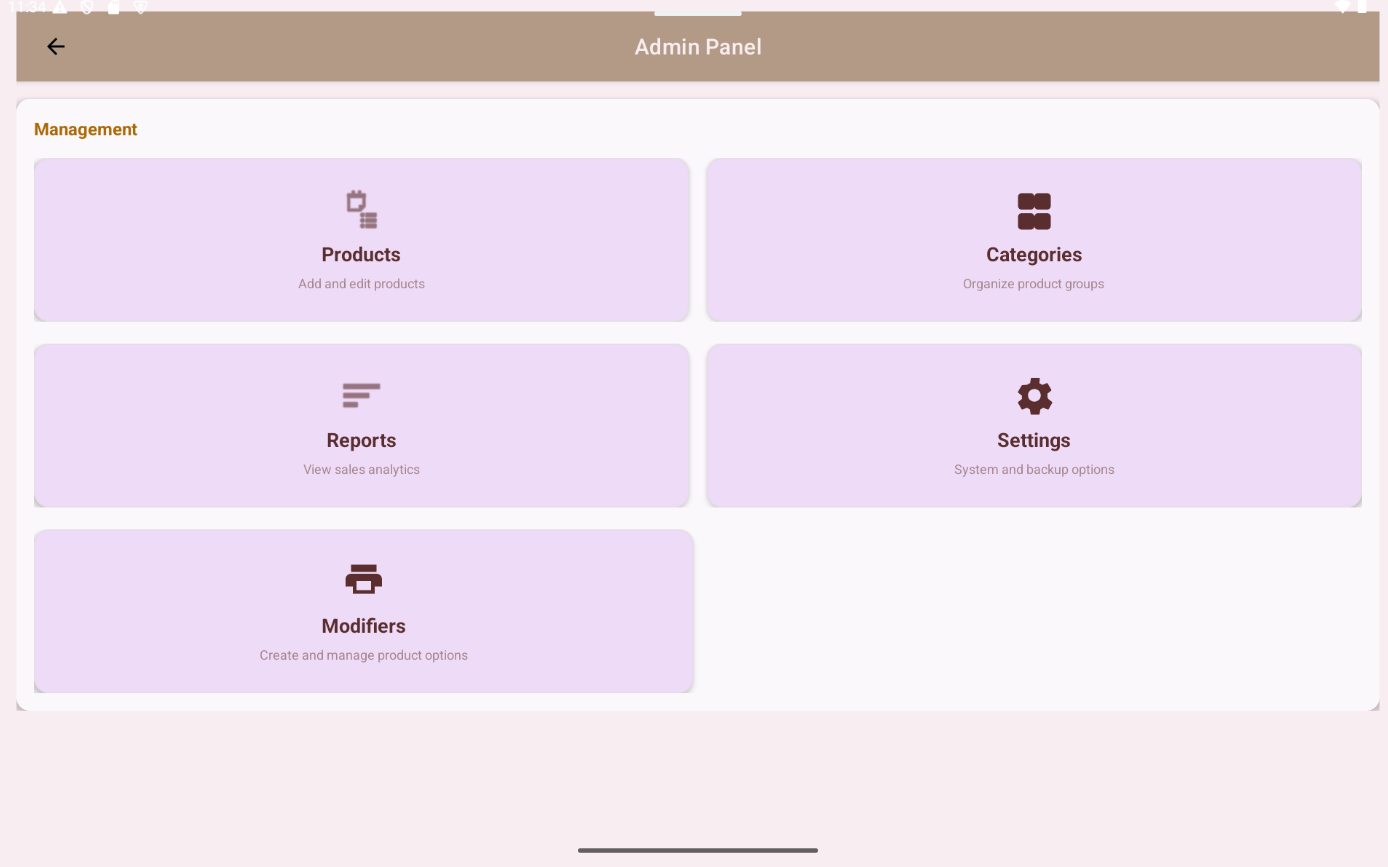
Admin Dashboard
Check the main numbers, keep an eye on activity, and stay on top of day-to-day work.

Simple and practical
Run your sales without the clutter. Built for small vendors, markets, and pop-ups.
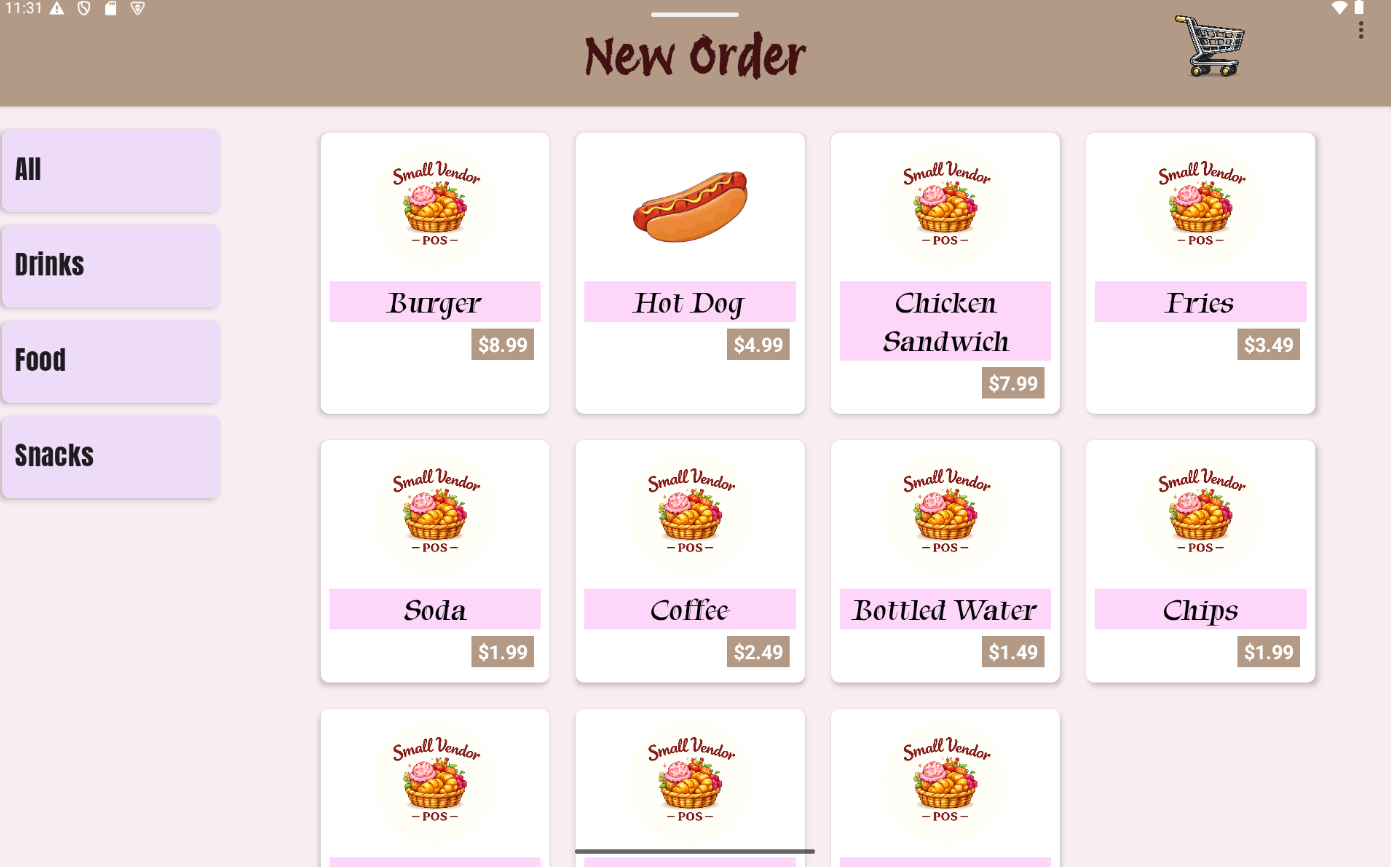
Small Vendor POS is built for quick sales, easy totals, and a setup that does not get in your way. It keeps the checkout process simple so you can stay focused on customers instead of menus and extra steps.
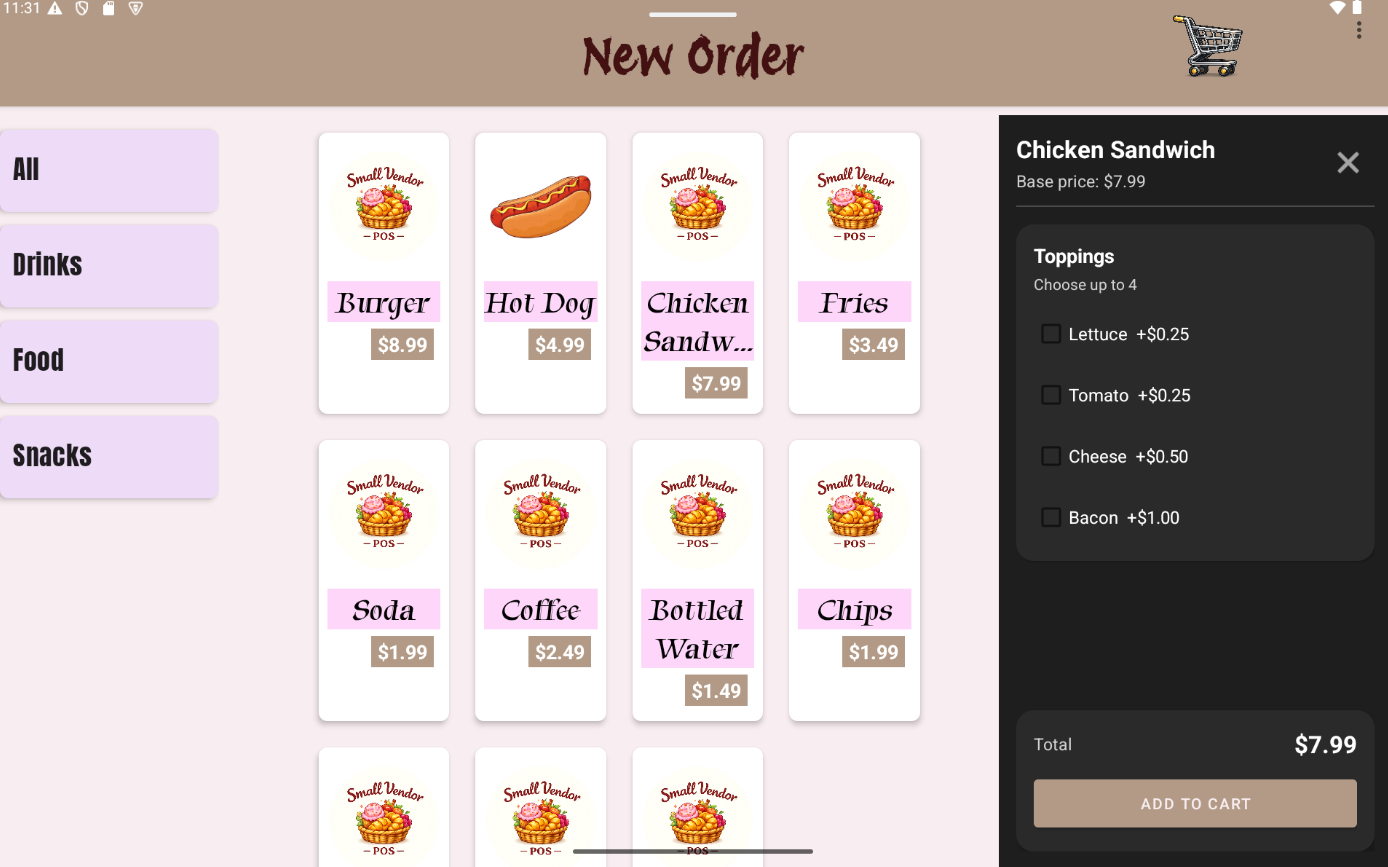
Add Items
Tap in items, keep the screen clear, and move to the next customer without hunting through extra menus.
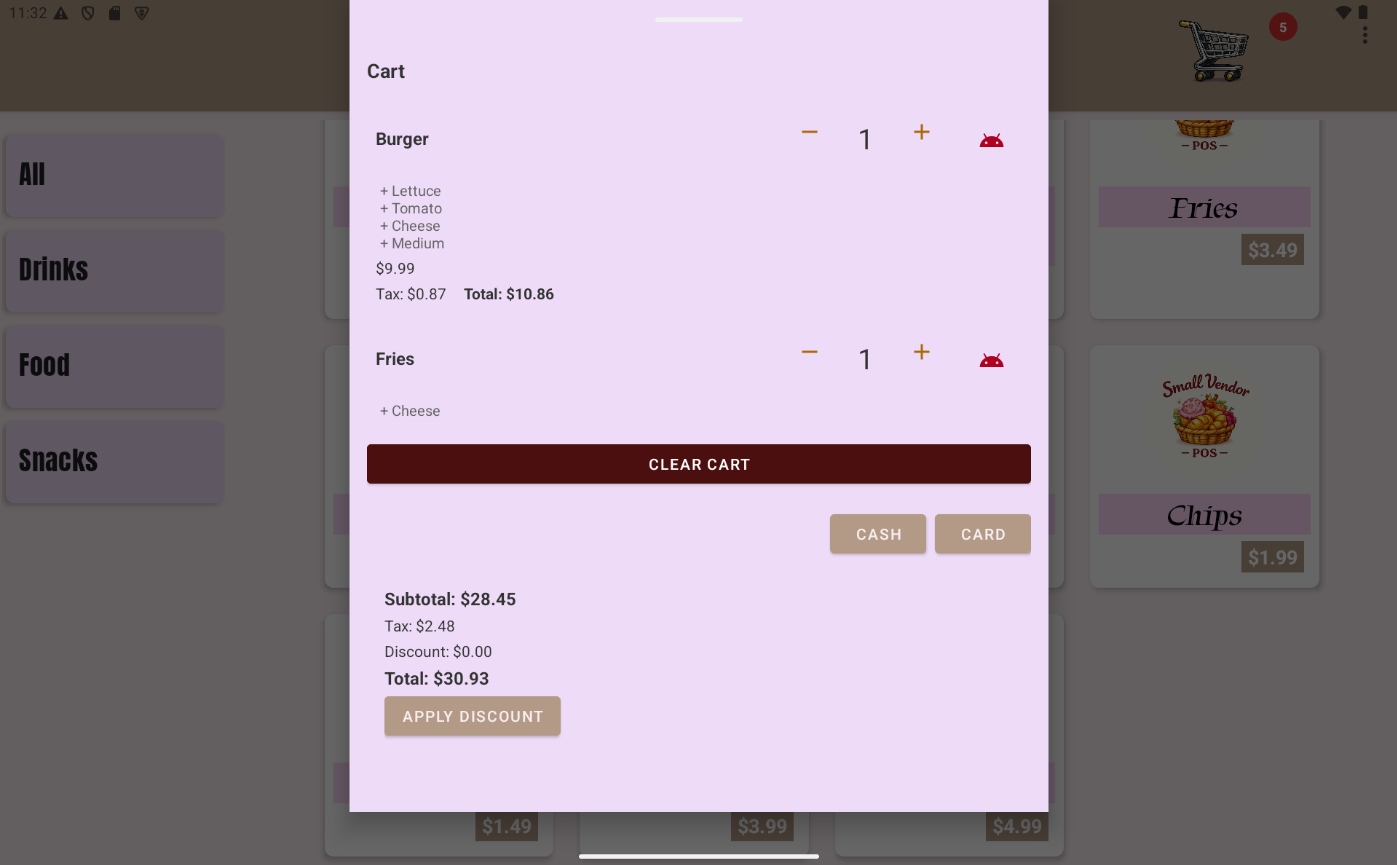
Cart
The cart keeps quantities, totals, and edits in one place so you can catch mistakes before payment.
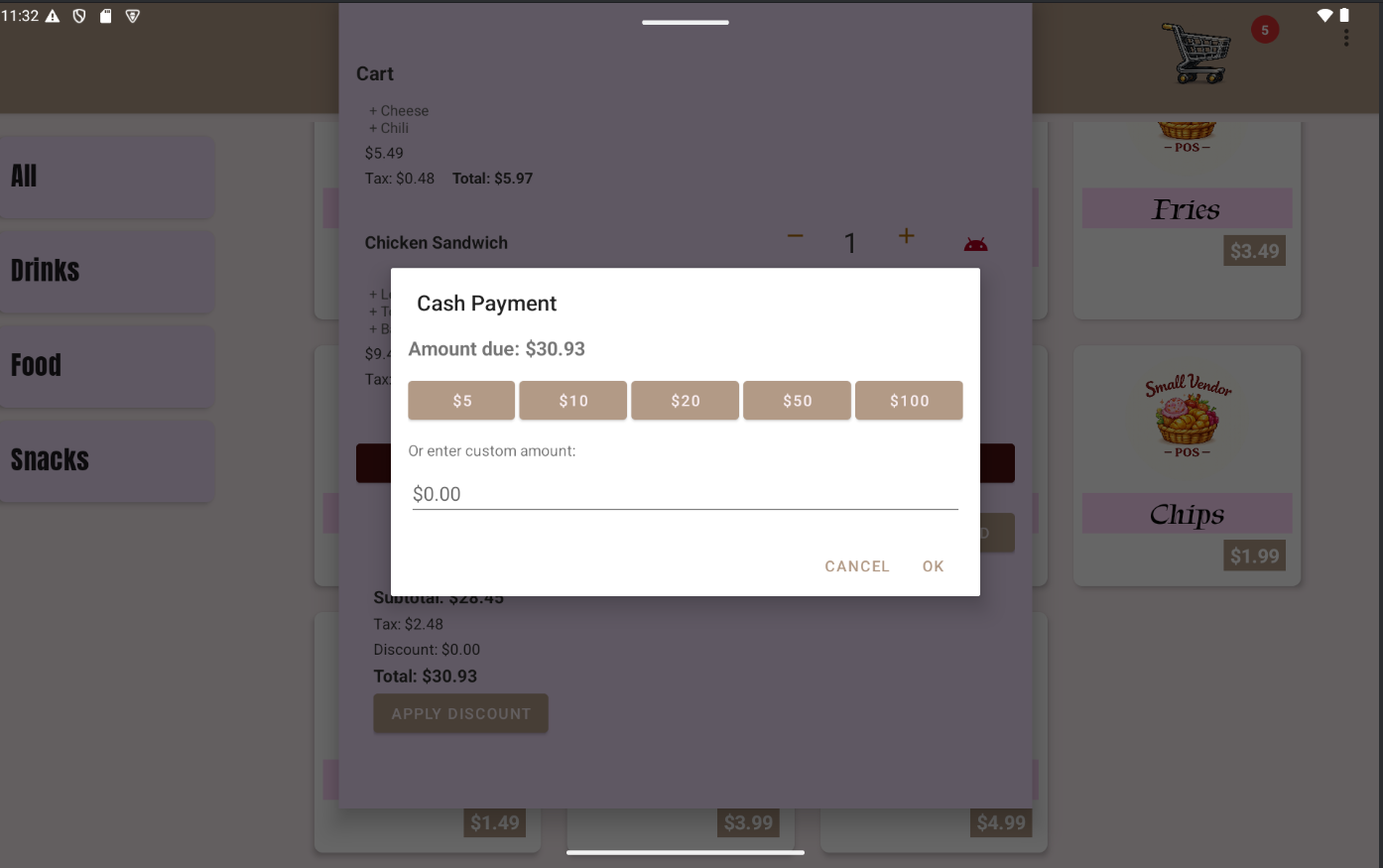
Payment Input
Take payment, check the amount, and keep the line moving with a simple cash input screen.
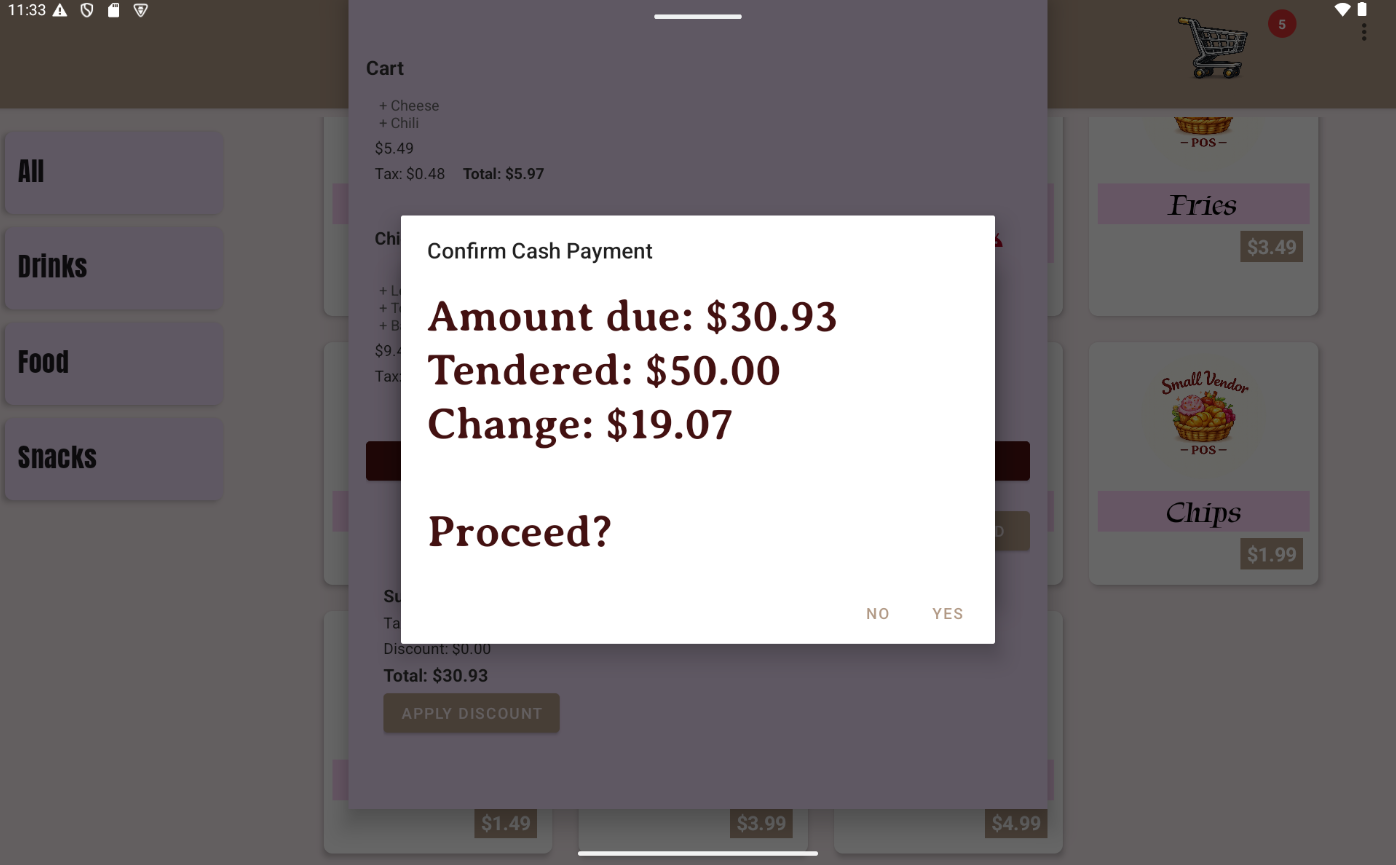
Payment Confirmation
Confirm the total and payment details before closing the sale so the handoff stays clean.
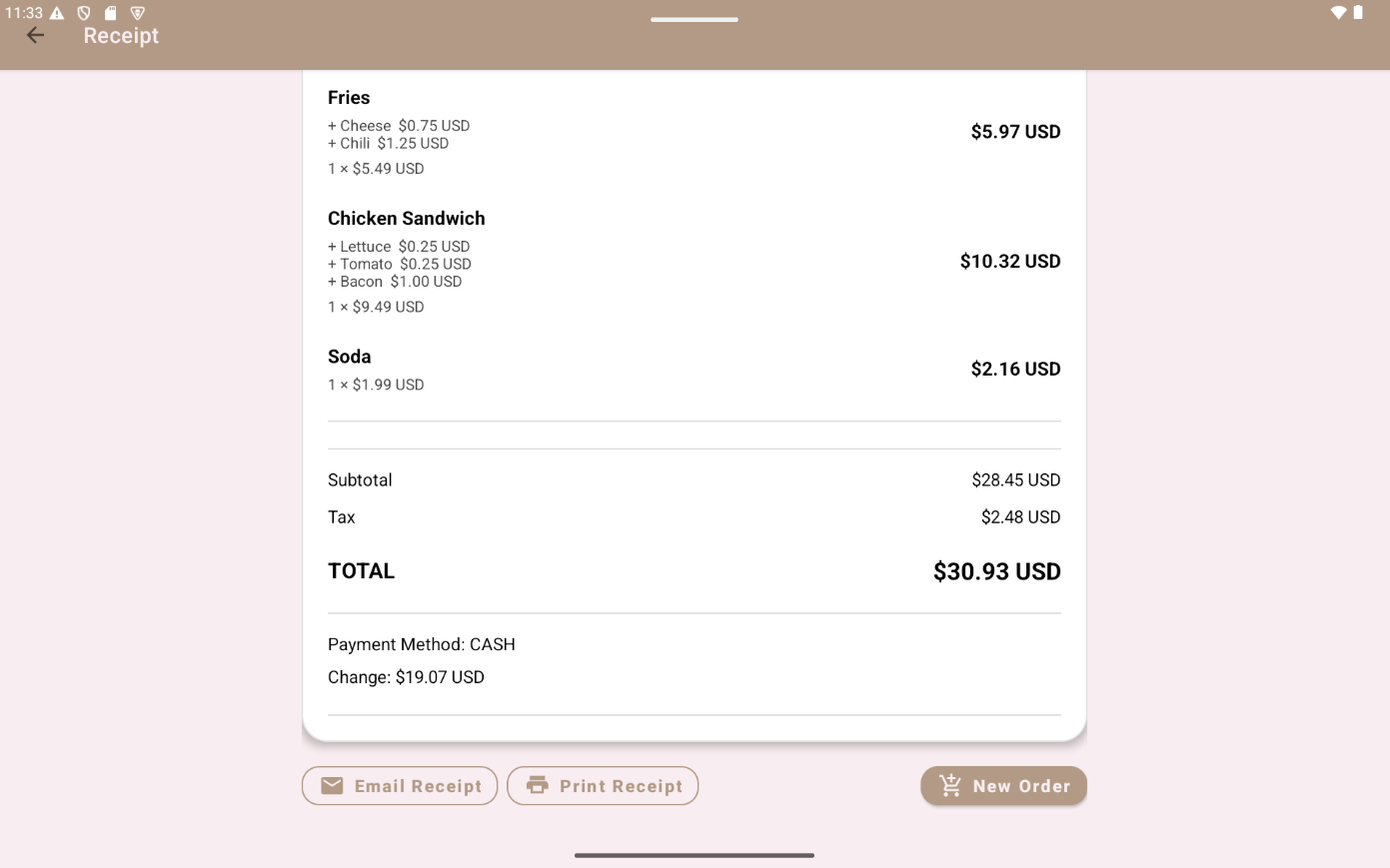
Receipt
The receipt screen is direct and ready for a small printer setup that works well at markets and pop-ups.
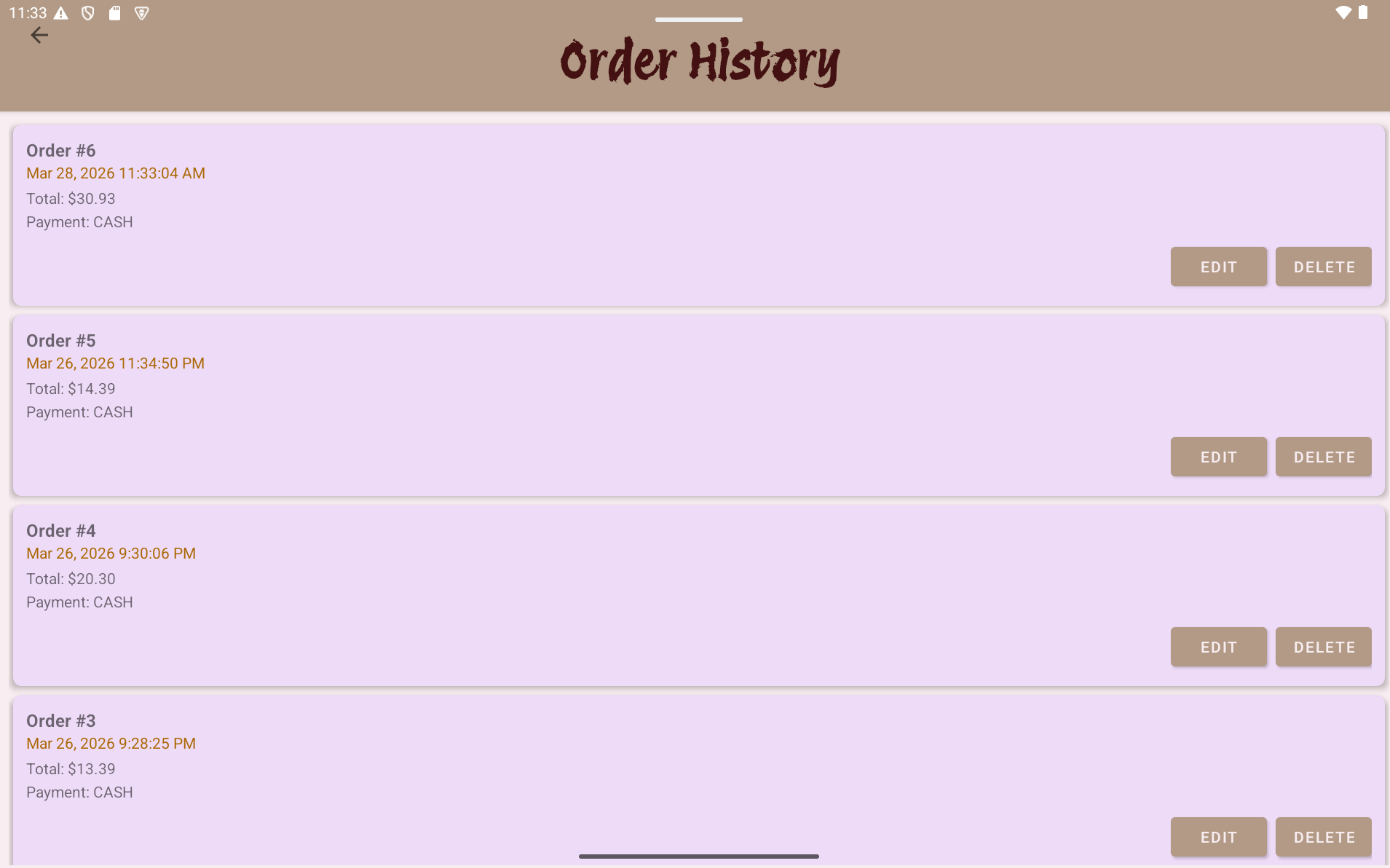
Order History
Find recent orders quickly when you need to check a receipt, confirm a total, or answer a customer question.
Back Office
The sales screen stays simple, and the back office gives you the controls you need when the rush is over.
Check the main numbers, keep an eye on activity, and stay on top of day-to-day work.
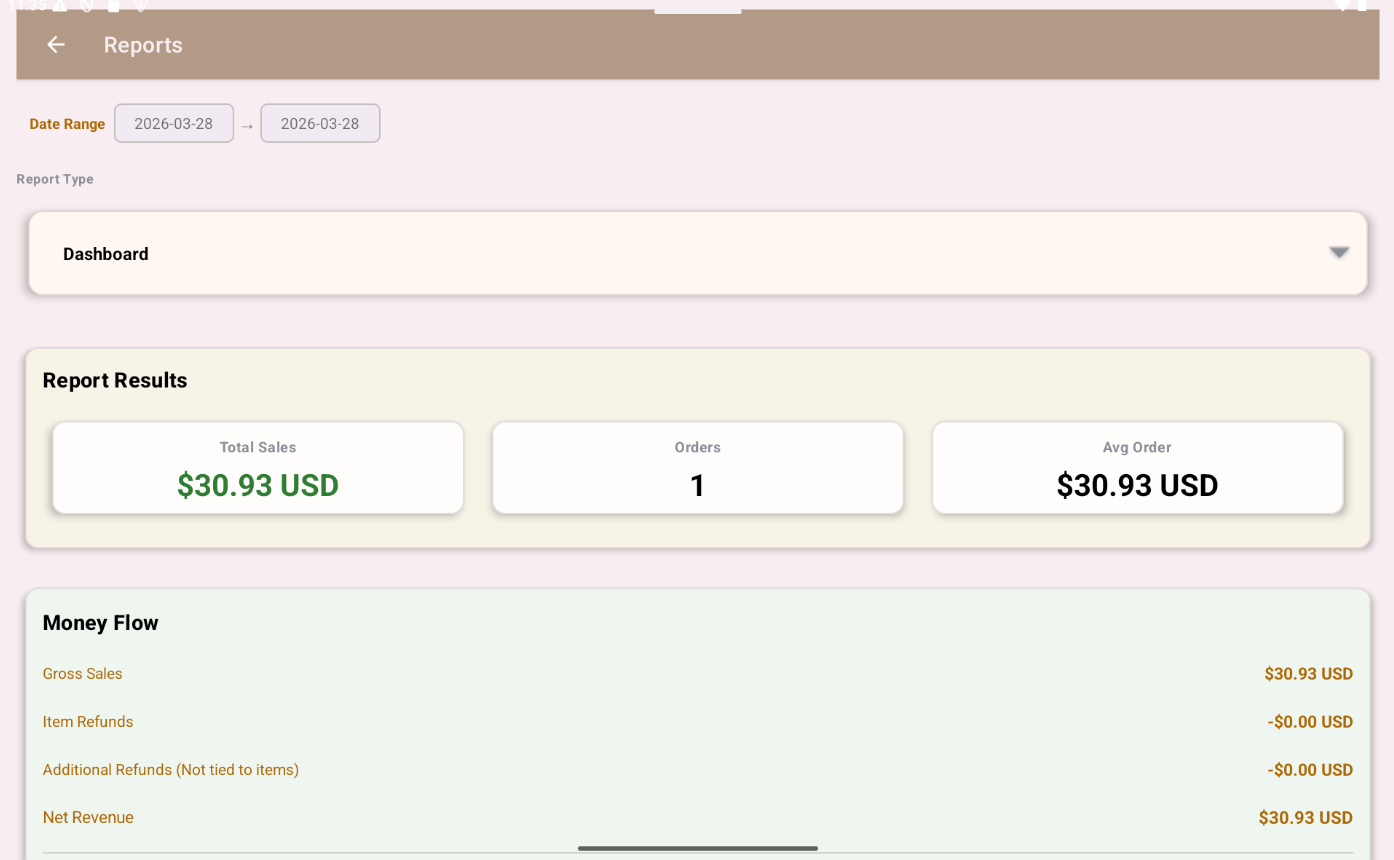
Review sales trends, track what is moving, and make better buying decisions for the next event.
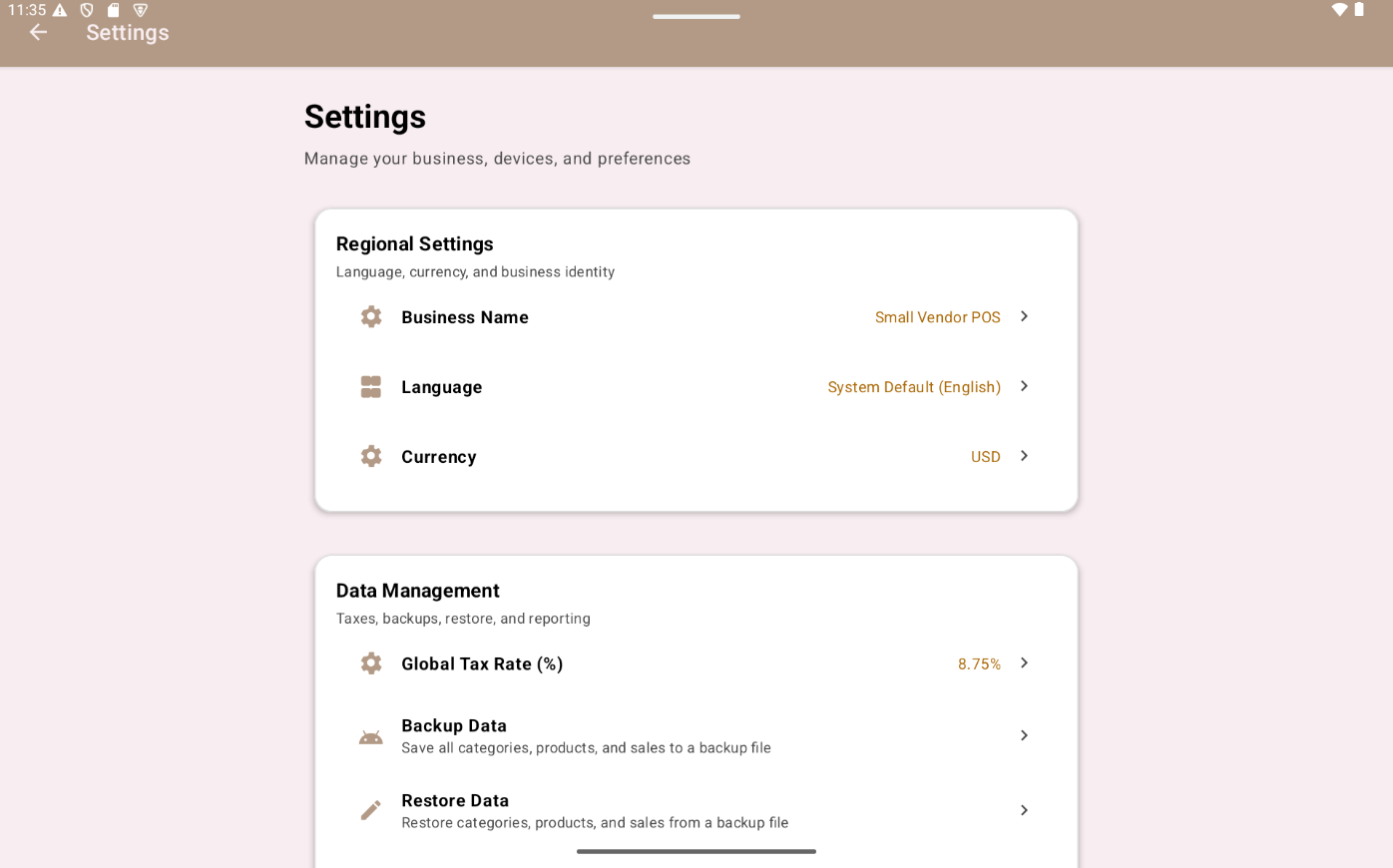
Adjust taxes, printers, and other setup details without digging through a complicated system.
Install Small Vendor POS on your Android tablet.


Scan to install on your device
Use the printer we recommend for a clean setup that is easy to carry and quick to connect.
See the PrinterBuilt for vendors who want simple bookkeeping without adding more clutter to the day.
View Accounting